
 Soku AI
The AI Marketing Agent for Ads and Creatives
Soku researches your market, generates the creative, runs the paid campaigns, and reports back — across the accounts you connect, following the approval or automation rules you choose.


Soku is perfect for agencies.
Run your own ads or a full book of clients — either way Soku handles the agency-grade work: an analyst on every account, client-ready reports under your brand, and risky moves gated behind one-tap approval.
Client-ready reports under your brand
Every audit ships as a report under your own logo — no Soku dashboard for clients to log into.
One analyst on every client account
Soku reads each client’s Meta, Google, GA4 and Shopify together and drafts the answer.
Write-capable workflows follow your rules
Write-capable workflows follow the approval or automation rules configured for the workspace. Supported agent and integration activity appears in the Activity log; coverage and retention vary by feature.

Client accounts

Scattered signals
Ads, SEO, social, and analytics each show a different piece.
Waiting on a person
“What changed?” “Why did CPA jump?”
Someone still has to notice, compare, and decide.
Execution
Bids, budgets, pages, and posts sit untouched.
Your growth loop still runs by hand.
Signals are scattered
Ads, SEO, social, and analytics each show a different piece of the growth loop.
Every decision waits on a person
Someone still has to notice the shift, compare context, and decide what to do next.
Analysis does not become execution
Dashboards explain what happened, but bids, budgets, pages, and posts still sit untouched.
No always-on guardrails
Performance can drift for hours before anyone turns the insight into an action.
Soku closes the loop: perceive, decide, act.
Perceive continuously
Soku watches ads, SEO, social, and site performance for shifts that matter.
Decide inside guardrails
It judges routine changes on its own and knows which calls need approval.
Act without waiting
It pauses, shifts, publishes, schedules, and refreshes when the action is safe.
Log every move
Every decision is written back to a live optimization log with the reason why.

Perceive
Monitor fired: ROAS down 15% · Prospecting – Broad.
Decide
Routine change, within guardrails — no approval needed.
- Checked budget caps
- Compared channels
- Verified guardrails
Act & log
Reallocated $1k/day → Retargeting — logged with the reason why.
One agent. Every growth channel.
Soku doesn't just analyze — it does the work across paid ads, social, and SEO, then reports back.

Ads
Launch & optimize paid campaigns
- Spin up campaigns, ad sets, and creatives from a brief
- Shift budget to winners and pause fatigued creatives
- Tune bids and audiences against your ROAS or CPA target






Social
Plan & publish across social
- Draft and schedule a weekly content calendar
- Publish posts on cadence across every channel
- Spin up campaigns around trends and seasonal moments






SEO
Auto-publish pages that rank
- Generate and publish landing pages and blog posts
- Track keyword coverage and submit new URLs to Google
- Serve pages through a reverse proxy on your own domain




You decide how much it runs.
Write access isn't a switch you flip on day one. Graduate Soku from observing to fully autonomous — at your own pace.
- 01
Observe
Start with analysis-only access where supported. It learns your accounts and reports what it sees.
- 02
Recommend
It proposes changes and explains the reasoning. You stay the one who executes.
- 03
Act with approval
It applies routine changes on its own and routes anything risky to a one-tap approval.
- 04
Full autopilot
It runs the routine solo and escalates only the calls that need your judgment.
The work, already done when you open it.
Reports, diagnoses, cross-channel comparisons, alerts, and action plans — the artifacts your team would otherwise assemble by hand every week.
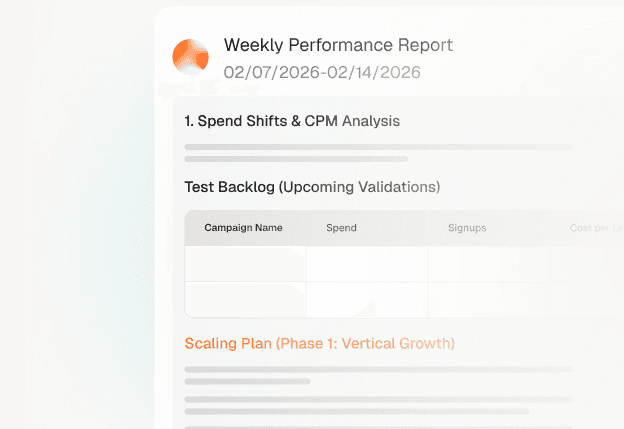
A weekly performance report, already written
Ask in plain language and get revenue, blended ROAS, and CAC for the window you care about — with the trend behind them.
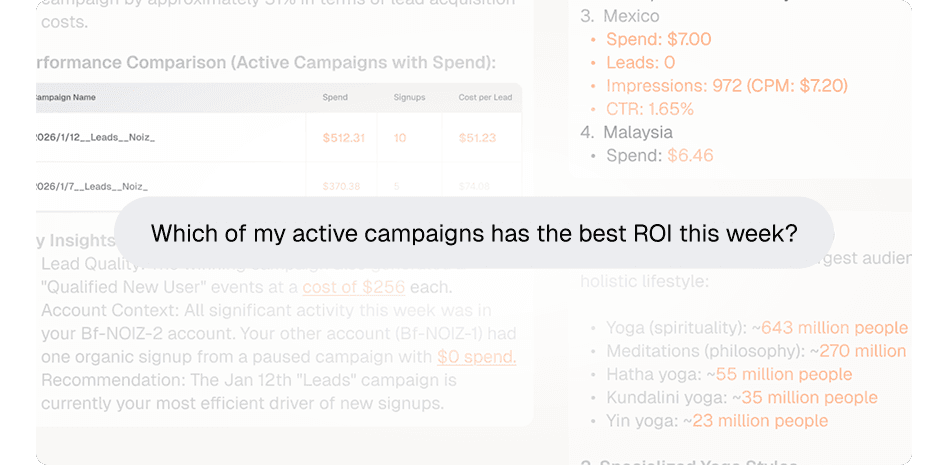
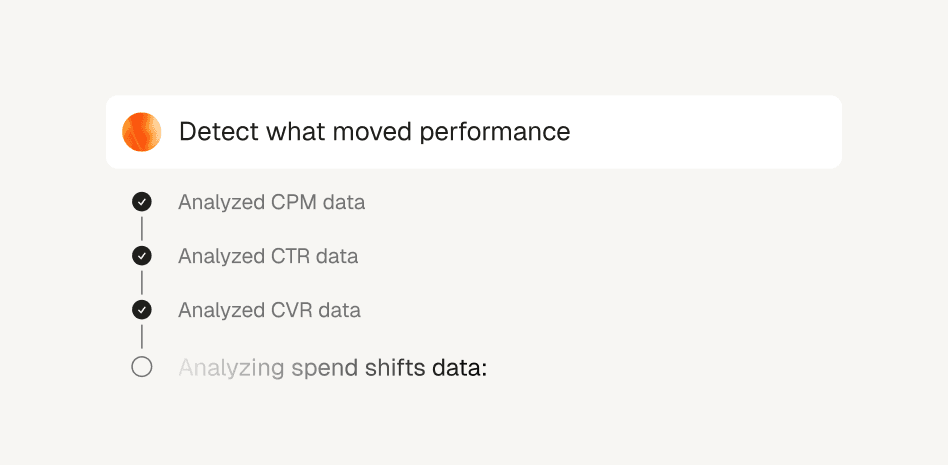
Root cause, not just the chart
What changed, why it changed, and the next action — traced across spend, frequency, CTR, and creative fatigue.
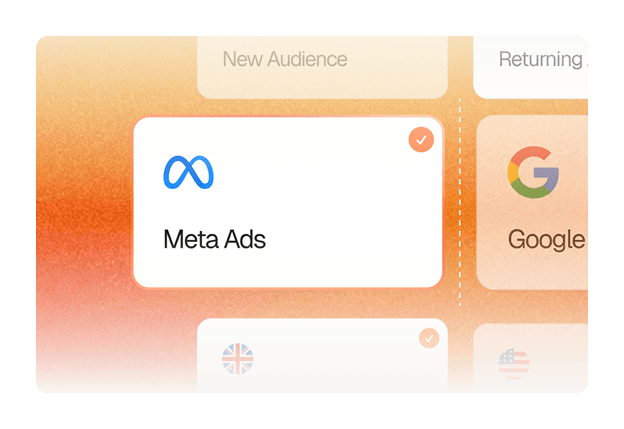
Meta, Google, TikTok, and GA4 in one view
Every channel on the same spend and outcome scale, so you can compare before you intervene.
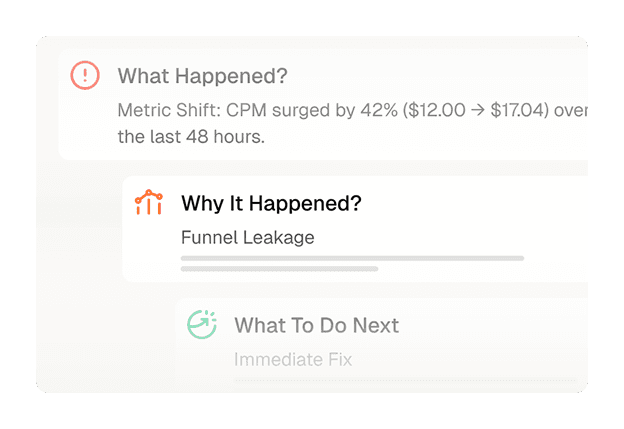
Alerts that arrive as decisions
An anomaly becomes a paragraph you can act on: what broke, how bad it is, and which call is yours.
A plan you edit before it runs
This week's actions as a checklist you approve, reorder, or veto — nothing routine waits on you.
Connect with Your Own Data
Connect your marketing platforms, analytics tools, and creative engines. Permissions differ by integration — review the requested scope before connecting.
Meta Ads
Sync campaign and creative performance to surface what’s driving results—and what to do next.
Google Ads
Connect search, display, and shopping data to analyze intent, keywords, and spend efficiency.

TikTok Ads
Track creative velocity and audience signals to find winning angles and manage fatigue.
Reddit Ads
Measure niche audience performance and community-driven acquisition.

LinkedIn Ads
Measure B2B campaign performance, lead-gen forms, and account-level targeting.
Snapchat Ads
Track younger-audience reach, AR creative, and swipe-up conversions.
Pinterest Ads
Analyze high-intent discovery, shopping campaigns, and pin performance.

Microsoft Ads
Bring Bing search and Microsoft Audience Network spend into one view.

Amazon Ads
Track sponsored products, brands, and retail media performance.

X Ads
Measure promoted posts, reach, and conversation-driven campaigns.

Apple Search Ads
Analyze App Store search campaigns, keywords, and install efficiency.

Quora Ads
Reach high-intent question audiences and measure consideration-stage performance.

Criteo
Track retargeting and commerce media performance across the open web.

Taboola
Measure native discovery campaigns and content recommendation spend.

Outbrain
Analyze native advertising reach and engagement across publishers.

Spotify Ads
Track audio and podcast campaign reach and listener engagement.
Your accounts stay yours.
Connect only what you choose
Soku accesses only the accounts and permissions you authorize.
Revoke through the source platform
Where supported, you can use OAuth or partner authorization and revoke access at the source.
One Organization per client
Each direct customer and each unrelated end client should use a separate Soku Organization.
How Soku AI Helps Your Team
Built for the teams that own growth.
Pick the way you already work — Soku runs the same loop behind each one.
What growth teams use Soku for
“Soku turns scattered marketing data into clear priorities and next steps. It helps our team spend less time piecing together what changed and more time deciding what to do next for our clients.”
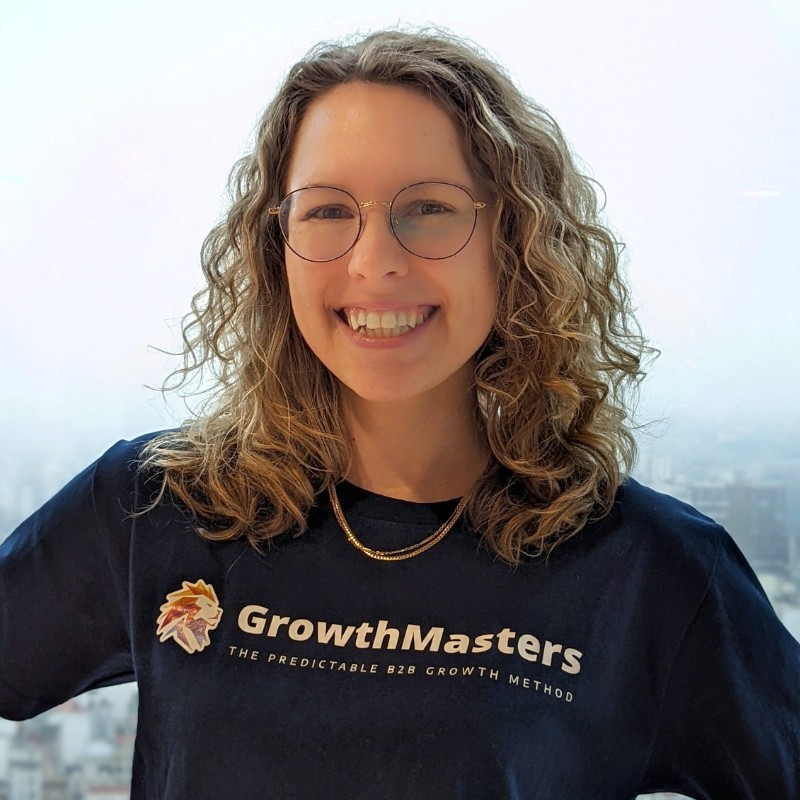
Eva Christine Reder
Co-Founder · GrowthMasters
LinkedIn ↗Your Questions, Answered
What is an AI marketing agent?
An AI marketing agent connects to your marketing accounts, watches them continuously, and does the work — rather than rendering a dashboard and waiting for someone to read it. Soku connects to the accounts and data sources you authorize, audits them on day one, then runs your growth on a 24/7 perceive–decide–act loop, following the approval or automation rules you configure.
What can Soku manage — ads, SEO, or content?
All three, across the accounts you connect. Paid campaigns on Google Ads, Meta, and TikTok; SEO pages and rankings through Search Console; social and content publishing on a schedule you set; and the analytics in GA4 and Shopify that tie them together.
Can it spend or change my accounts without asking?
Write-capable workflows must be enabled separately and then follow the approval or automation rules configured for the workspace — so a budget increase can be routed to a one-tap approval. Supported agent and integration activity appears in the Activity log; coverage and retention vary by feature.
What happens on day one?
It runs an initial scan across the accounts, campaigns, and ad groups you authorize, sets a strategy, arms monitors, schedules recurring automations, and sets up your SEO reverse proxy.
Can I start with analysis-only access?
Yes, where supported. Start with analysis-only access and graduate from recommendations to act-with-approval to full autopilot at your own pace. Write-capable workflows must be enabled separately.
Which data sources can it connect to?
Meta Ads, Google Ads, TikTok Ads, GA4, Shopify, Search Console, and more.
How do I see what it did?
Review supported activity and recorded reasons in the workspace Activity log — what it did, why, and what it deferred. Coverage and retention vary by feature.

Ready to Put Your Marketing on Autopilot?
Sign up and see how Soku AI finds the drivers behind performance—and turns them into a weekly operating cadence.